Uncategorized Transactions Before Tax Time: How to Clear the Queue Fast
You open your ledger a few weeks before the deadline and find thirty-odd lines with no category: transfers with no memo, deposits from names you do not recognise, card charges you half remember. Uncategorized transactions before tax time are not a moral failing; they are a queue. This guide shows how to work it in the right order.
This is a bookkeeping method, not tax advice. Your accountant decides treatment for anything unclear.
Full walkthrough of the template used in this guide.
Step 1: Stop hiding them
The first move is to take everything uncategorized out of the ledger and into a separate queue sheet. The point is visibility. An item filed under “Miscellaneous” looks resolved; an item in a queue looks like work, which is accurate.
Step 2: Give each one a reason code
A reason code answers “why is this still open?” Each code implies a next action.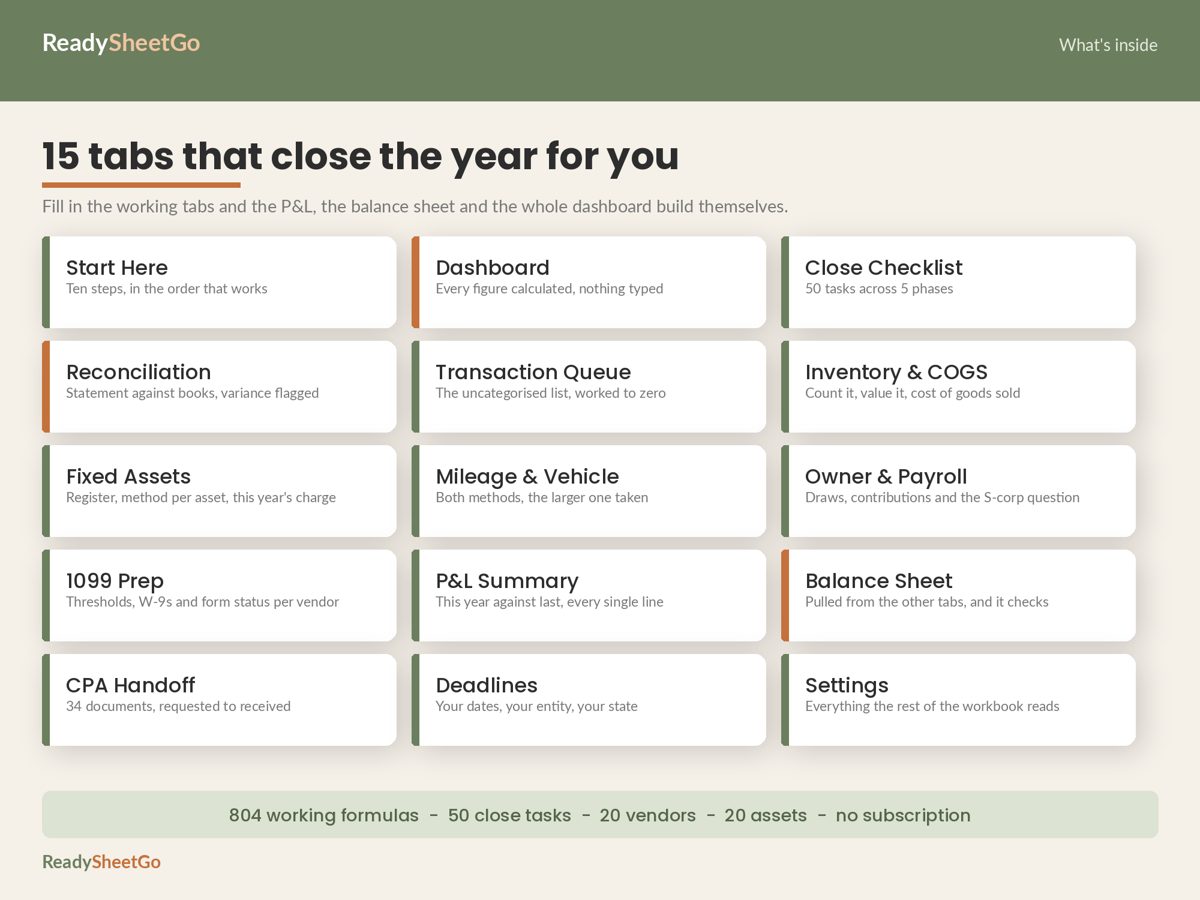
| Reason code | Next action |
|---|---|
| Transfer between own accounts | Mark as transfer; match both sides |
| Owner draw or contribution | Post to equity, not expense |
| Possible personal expense | Decide: reimburse, draw, or remove |
| Missing receipt | Find proof or note the gap |
| Unknown deposit | Identify the payer; income or contribution? |
| Contractor payment | Record payee; check W-9 |
| Refund or credit | Net against the original expense |
| Duplicate | Delete one; confirm against statement |
| Needs accountant | Describe and send |
| Awaiting statement | Wait, then recheck |
Step 3: Work from the biggest amount down
Do not clear the queue in date order. Sort by absolute dollar amount. Here is a worked example with eight items from a fictional business:
| # | Amount | What it looks like | Reason code | Resolution |
|---|---|---|---|---|
| 1 | $4,000.00 | Transfer to savings | Transfer | Mark transfer; match deposit in savings |
| 2 | $2,000.00 | Unknown deposit | Unknown deposit | Customer prepayment; record as income |
| 3 | $1,250.00 | Payment to a person’s name | Contractor payment | Record payee; request W-9 |
| 4 | $600.00 | ATM withdrawal | Owner draw | Post to equity |
| 5 | $389.99 | Online retailer | Missing receipt | Order email found; supplies |
| 6 | $212.40 | Fuel | Possible personal | Split by mileage log |
| 7 | $74.99 | Software subscription | Missing receipt | Invoice downloaded |
| 8 | $45.00 | Vendor refund | Refund | Net against original expense |
The total dollar value of the queue is $8,572.38. The top three items add up to $7,250.00, which is about 85 percent of the whole queue. If you only had an hour, clearing those three would resolve most of the risk, including a possible 1099 and a potentially misstated income figure.
Step 4: Know the expensive categories
Some mistakes cost more than others:
- Transfers coded as expenses inflate expenses and may inflate revenue if the deposit side is coded as income.
- Owner draws coded as expenses reduce profit that is really yours. Draws are not an expense; see how they feed the balance in the year-end close checklist.
- Contractor payments without a W-9 may require a form. See which contractors need a 1099-NEC.
- Personal charges in business categories are the first thing an accountant questions.
Step 5: Work the queue to zero, then reconcile again
An empty queue is the goal, but check it against the bank. After clearing, reconcile each account again; categorising does not change totals, but a deleted duplicate does. The walkthrough is in how to reconcile a business bank account with a spreadsheet.
Copy-ready queue template
Columns to paste into a new sheet:
Date | Amount | Account | Description as shown | Reason code | What I tried | Resolution | Resolved? (Y/N)
Then add three formulas at the top:
- Open items:
=COUNTIF(H:H,"N") - Open value:
=SUMIF(H:H,"N",B:B)(use absolute values if you have mixed signs) - Percent resolved:
=COUNTIF(H:H,"Y")/COUNTA(H:H)
A daily glance at those three cells tells you whether you will finish in time.
The Year-End Business Close and CPA Tax-Prep Handoff Workbook includes a Transaction Queue tab with ten reason codes to choose from, a resolution note per line and the open count and open value calculated for you, wired into the checklist and dashboard. It works in Excel and Google Sheets.
Featured on ReadySheetGo
Year-End Business Close and CPA Tax-Prep Handoff Workbook — $19.99
A transaction queue with reason codes, resolution notes and a live open-value total. Works in Excel and Google Sheets.
General information only, not tax, legal or accounting advice. Example figures are fictional.
Frequently Asked Questions
How do I handle uncategorized transactions before tax time?
Move them into a queue, give each a reason such as transfer, owner draw, possible personal or missing receipt, and work from the largest dollar amount down. A few large items usually account for most of the value, so clearing them first reduces risk fastest.
Should I put unknown transactions in miscellaneous?
Avoid it. Miscellaneous hides the problem and gives your accountant nothing to act on. Leave unknown items in a visible queue with a note on what you have tried.
What do I do with a transaction I cannot identify?
Search the amount and date in email and statements, check the payee name online, and ask anyone who has card access. If it stays unknown, tell your accountant the amount and date and let them decide how to treat it.
Are transfers between my own accounts expenses?
No. A transfer moves money between your own accounts and is neither income nor expense. Categorising one as an expense inflates costs and a matching deposit can inflate revenue, so mark transfers as transfers.