Prepaid Dog Walking Packages: How to Price and Track Visits
Packages look like an obvious win. Cash arrives up front, the client is locked in, and the calendar fills.
Sometimes that is exactly what happens. Sometimes you have handed a discount to a client who was going to book those walks anyway, and taken on a bookkeeping problem you did not have. The difference is one calculation, and almost nobody runs it.
What a Package Actually Costs You
A ten-walk pack at $180 against a $20 list rate:
- Discount given: $20, or 10%
- Effective rate per walk: $18
The $20 is not a marketing expense in some vague sense. It is $20 of profit you will not receive, and the pack only makes sense if it buys more than $20 of behaviour.
The break-even table
The question is not “will they buy the pack?” It is “how many visits would this client have booked anyway?” Every visit above that number is incremental revenue; every visit below it is a discount on business you already had.
| Would have booked | Extra visits the pack buys | Extra revenue at $18 | Discount given on the base | Net effect |
|---|---|---|---|---|
| 6 | 4 | $72 | $12 | +$60 |
| 7 | 3 | $54 | $14 | +$40 |
| 8 | 2 | $36 | $16 | +$20 |
| 9 | 1 | $18 | $18 | $0 |
| 10 | 0 | $0 | $20 | −$20 |
The pack breaks even at nine. It only makes you money if it moves the client up by at least two visits over their normal pattern.
Which tells you exactly who to offer it to: the occasional client who books six or seven walks a month. Offering a pack to your reliable four-walks-a-week client is a straight $20 gift — they were already booking ten, and now they book ten for less.
That is the single most common package mistake, and it is invisible unless you know each client’s normal monthly volume before you make the offer.
The Balance You Owe
The second thing a package creates is a liability. The money is in your account. The service is not delivered.
If a client has six visits left on a pack, you owe six walks. Valued at the pack rate, that is $108 of work already paid for — work you will do in a future month with no money arriving in that month to show for it.
This matters in two practical ways.
It distorts the month. The month you sold three packs looks like a great month. The three months afterwards look worse than they are, because you are working through visits that were paid for earlier. If you judge your business by revenue per month, packages will make you misread your own trend.
It is real money to someone else. A client is entitled to those visits. If you have spent the cash and then have a quiet month, you are still obliged to walk the dogs.
The fix is to keep one number visible: visits remaining × your rate, across all active packages. That is your deferred service balance. It has no bearing on your tax — as a cash-method sole proprietor you generally report the money in the year it arrives — but it tells you how much of your bank balance is already committed.
Five Ways Packages Lose Money
1. Selling them to clients who already book heavily. The break-even table above. Offer packs to grow occasional clients, not to reward regulars — reward regulars with priority scheduling, which costs you nothing.
2. Counting used visits by hand. A separate tally is a second set of books, and second sets of books drift. The count should come from the jobs you have already logged, so it cannot disagree with reality. Every sitter who has argued with a client about a remaining balance lost that argument because they had no defensible record.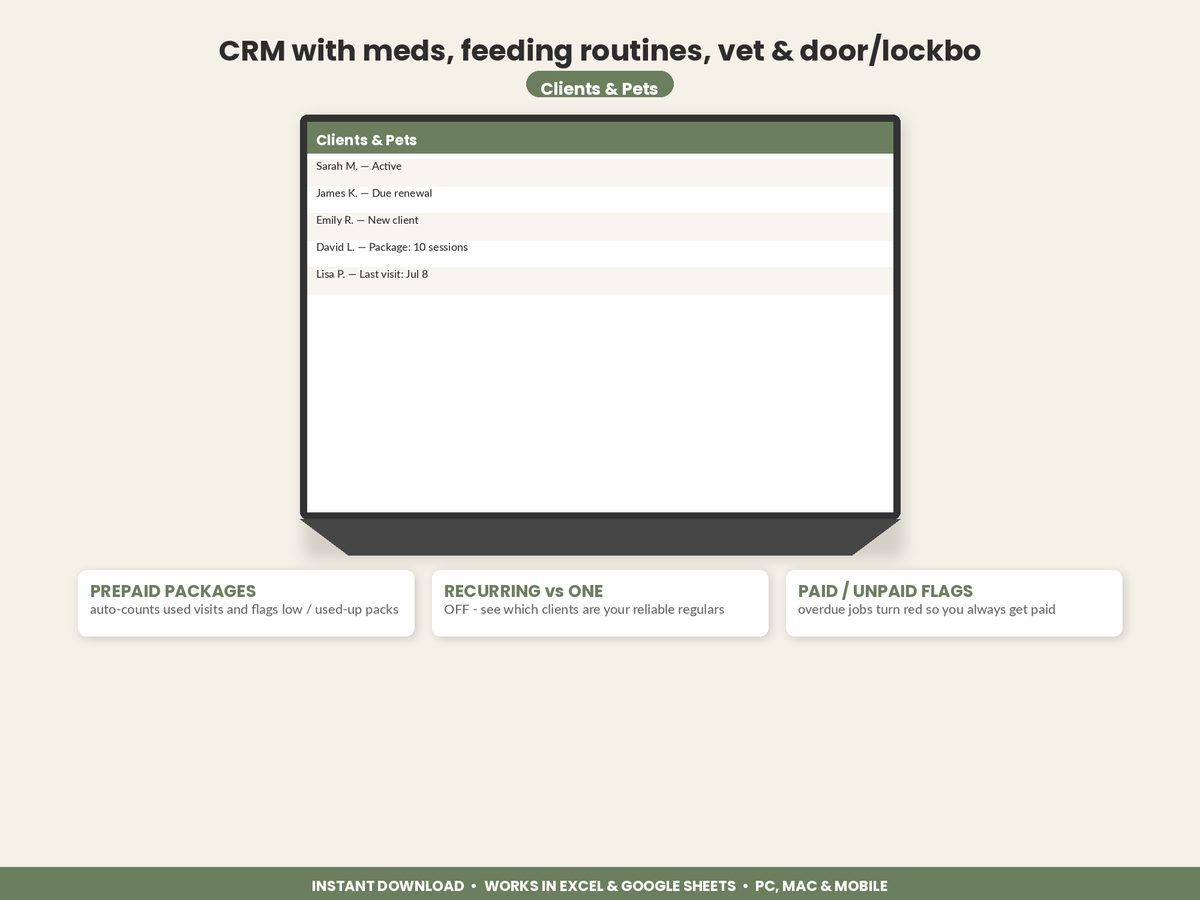
3. No expiry, or an expiry nobody agreed to. A pack bought at last year’s rate turning up eighteen months later is a bad conversation. Put the expiry on the invoice at the point of sale. Check your state’s rules on prepaid services first, because they vary.
4. Stacking a package discount on top of a multi-dog or recurring discount. Two 10% discounts on the same booking is 19% off, and it happens by accident constantly. Decide which discounts can combine and write it down.
5. Not noticing when a pack runs out. A client whose pack quietly emptied three weeks ago is a client drifting away. A pack down to its last visit is a rebooking conversation with an obvious opening — and it is the highest-conversion sales moment you get all month, because they are already a happy customer with a dog that needs walking tomorrow.
A Package Structure That Works
| Pack | List value | Pack price | Discount | Effective rate |
|---|---|---|---|---|
| 5 walks | $100 | $95 | 5% | $19.00 |
| 10 walks | $200 | $180 | 10% | $18.00 |
| 20 walks | $400 | $340 | 15% | $17.00 |
Three deliberate choices in that ladder. The discount rises with commitment, so the deepest discount buys the biggest behaviour change. The smallest pack is barely discounted, because a five-pack rarely changes anyone’s booking pattern — it is a convenience product, not an incentive. And no tier goes past 15%, because beyond that you are competing on price with people who have not done this arithmetic.
Terms worth writing on the invoice, once, in one line each: expiry period, whether visits transfer between pets in the household, your cancellation window, and whether the pack is refundable.
Track It or Do Not Sell It
Packages are the one product in this business where sloppy records cost you directly — in disputed balances, in forgotten expiries, and in a revenue line that no longer means what you think it means.
Three fields make it safe: visits purchased, visits used counted from the job log, visits remaining with a low flag. If used visits are derived rather than typed, the whole thing self-maintains, and your monthly picture stays honest.
That honest monthly picture is the point of all of it — knowing what your month actually nets is what makes the rest of your decisions arithmetic instead of instinct, from what to charge per walk to whether the platform fee is worth paying.
Featured on ReadySheetGo
Dog Walking & Pet Sitting Business Tracker — $14.99
The Packages tab counts used visits straight from the Jobs Log, so remaining visits can never drift out of sync with the work you have actually done, and flags any pack that is running low or used up. The Clients & Pets tab totals each client’s revenue so you can see their normal monthly volume before you offer a pack, and the Dashboard returns recurring versus one-off revenue, average net per job and month-by-month net profit. Nine tabs, sample data pre-filled, works in Excel and Google Sheets.
Get the Dog Walking & Pet Sitting Business Tracker →
Part of the complete guide to tracking a dog walking and pet sitting business. This is general information, not tax or legal advice — rules on prepaid services and income timing vary, so confirm yours with a qualified professional.
Frequently Asked Questions
How much discount should I give on a dog walking package?
Enough to change behaviour and no more — 10% is a common starting point, which on a $20 walk makes a 10-walk pack $180 instead of $200. The test is not whether clients like it, it is whether the pack moves them to book more than they otherwise would. At a 10% discount and $18 per walk, the pack only pays for itself if it lifts the client by at least two visits over what they would have booked anyway.
Do prepaid packages count as income when the client pays or when the visits are used?
For a cash-method sole proprietor — which most solo sitters are — income is generally reported in the year the money is received, even if the visits are used in the following year. That is a tax timing question and separate from how you should manage the money: the visits are still a service you owe, so treat unused visits as a liability in your own planning even though the cash has already been taxed. Confirm your own method with a preparer.
Should prepaid dog walking packages expire?
A stated expiry protects you from a client returning eighteen months later expecting last year's rate, and it nudges people to use what they bought. Ninety days for a ten-walk pack is a common shape. Whatever you choose, write it on the invoice at the point of sale rather than mentioning it later — an expiry the client did not agree to is a dispute waiting to happen, and state rules on prepaid services vary, so it is worth checking yours.
How do I keep track of how many visits a client has left?
Count the used visits from the jobs you have already logged rather than keeping a separate tally. A separate count is a second set of books that drifts the moment you forget to decrement it — and the disagreement always surfaces at the worst time, with a client who is certain they have three left. If visits used is derived from the job log, remaining is simply purchased minus used and cannot go out of sync.